Installing


|
Installing |
|
|
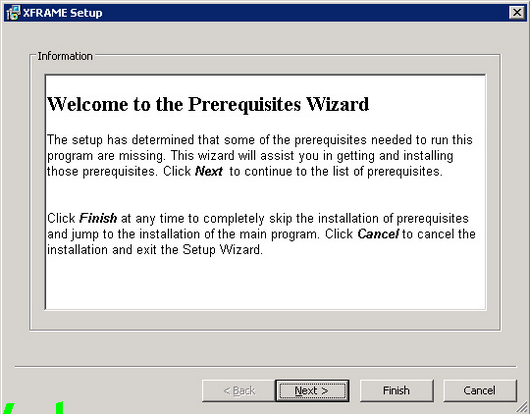
Once controlled that all the required software components have been correctly installed on your system, you may start with the XFRAME set up. More than one XFRAME instances may be installed on one system: just install them in different users and directories. It means you may have different versions of XFRAME and same system, and let users to use the one they need. To install XFRAME, log on with an user with administrative rights, and run the XFRAME setup file (install.exe) from the distribution media. XFRAME prerequisites The first time you run the setup on a system, the XFRAME prerequisites will be installed.
Click the "Next" button, to proceed with the setup.
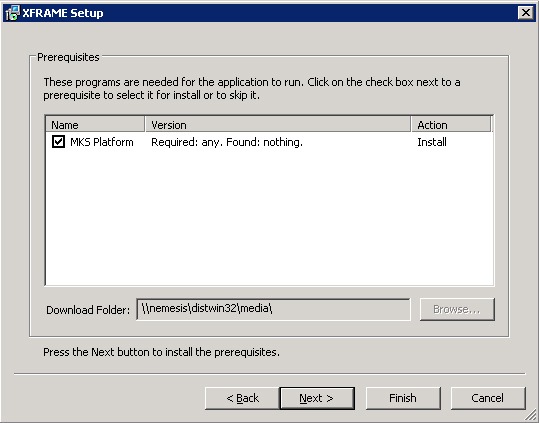
Leave fields checked, and click on "Next" button, to start the installation of XFRAME prerequisites.
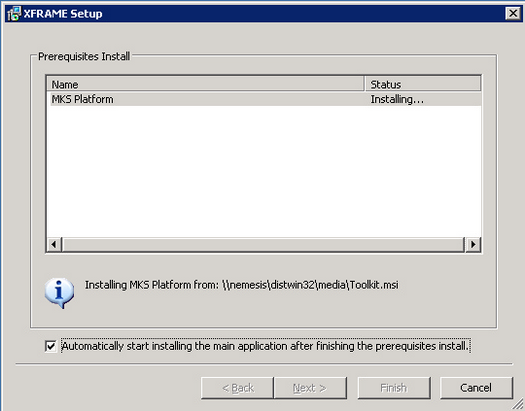
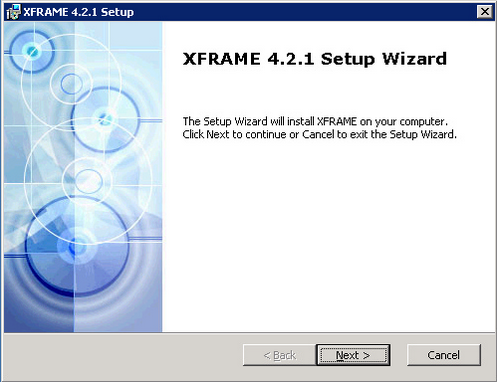
Once prerequisite setup is completed, the XFRAME setup will automatically start. XFRAME Setup Once prerequisites are installed, XFRAME install procedure is activated.
Click "Next" to start the installation.
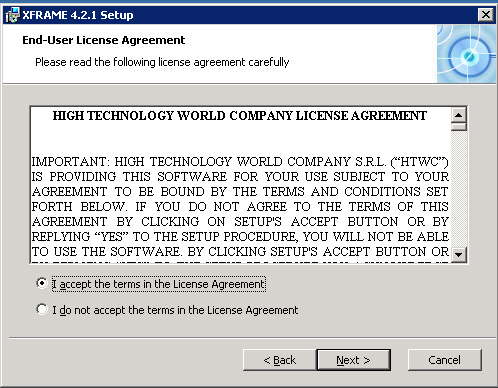
Accept the license agreement and click "Next".
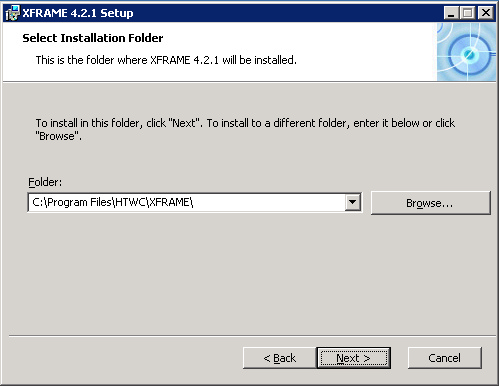
Choose the path for the XFRAME setup. This path will be afterward referenced as XFRAMEHOME.
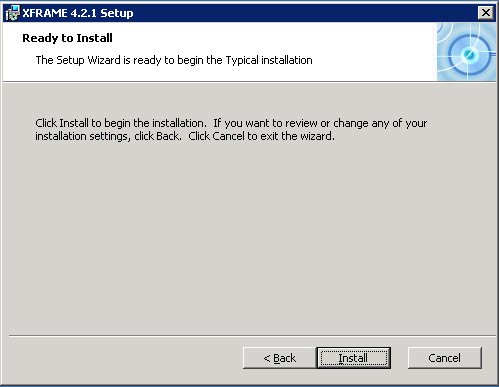
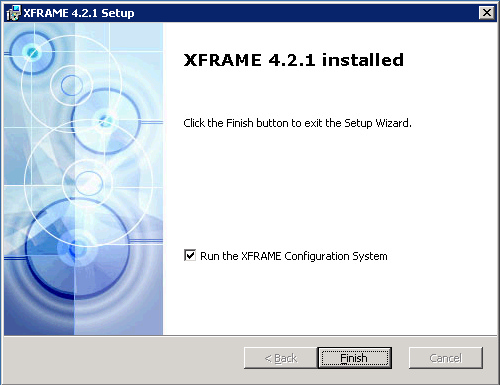
Click "Install" to start the installation. When the installation completes the following screen is shown:
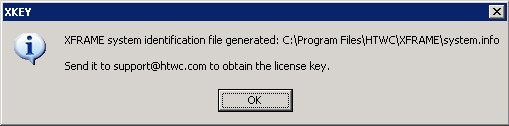
Once setup is completed, the XFRAME Configuration System must be run to configure the runtime system and to generate the license request file. Leave the check box flagged to run the configuration system and to generate the request file. The following window will be shown:
Once installed please follow the instructions contained in the Licensing section to activate licenses, and refer to Runtime Configuration to configure XFRAME according to your needs. XFRAME based applications More than one XFRAME based applications may co-exist on the same machine, thus XFRAME services and server tools (i.e. XVSAM utilities) should normally be run by dedicated users. Due to this reason each application environment must be singularly defined and configured. Please refer to the application environment setup page.
|