Windows


|
Windows |
|
|
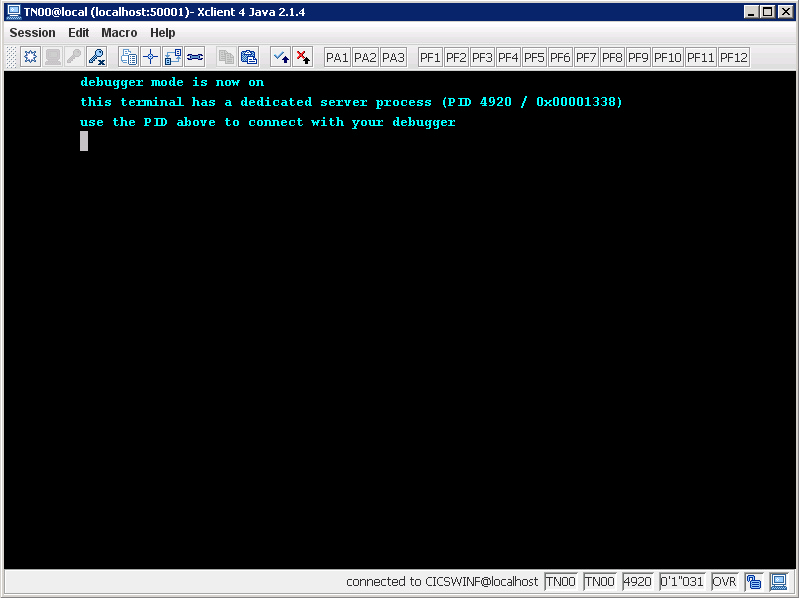
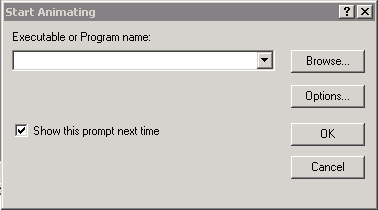
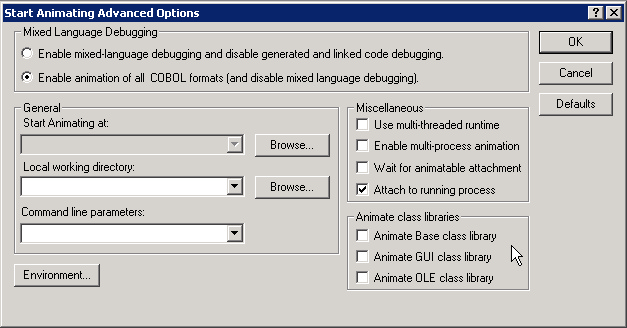
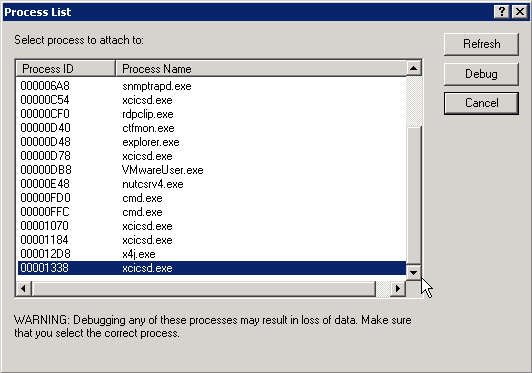
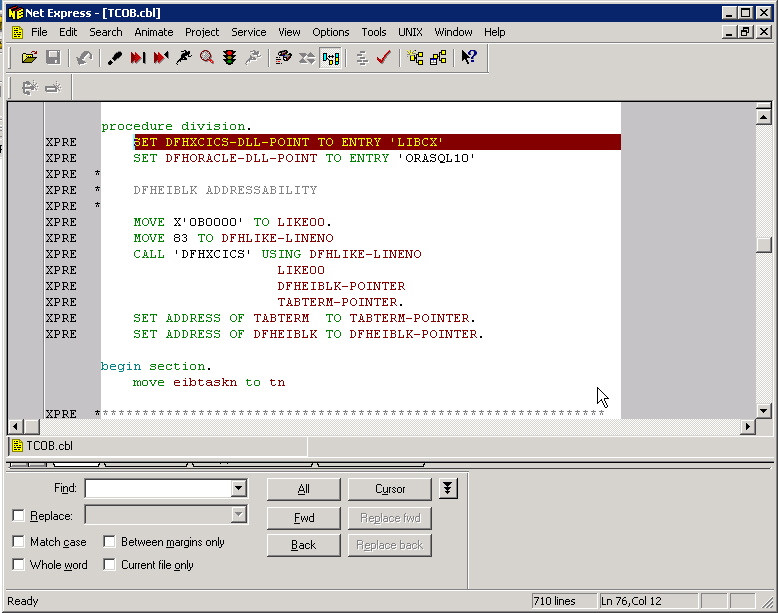
Debugging with MicroFocus Server Express Unsolicited Dynamic Attachment Method This method allow the normal execution of an XCICS program, and only when the user wants to start to debug, attaches the debugger (MicroFocus NetExpress) to the running process. The following steps must be followed to start the animation of a TP program :
CEDB ON
Note: when connecting XCICS with a TN3270 emulator (i.e. IBM Personal Communication), obviously no PID number is shown anywhere. In order to easily get the debug status of the terminal and the PID of the working process, simply enter on the screen CEDB Debugging with ACUCOBOL Extend Thin client method XCICS must be configured with the option "allow_acu_thin=yes", in order to allow programmers to debug on the ACUCOBOL thin client. To do that, the ACU thin client must be installed on the programmer workstation. The following is the general procedure to debug a CICS program: the parameters on the CEDB command line vary depending on what you want to debug. However, the parameter THIN is always required
acuthin --wait --port <port number> --restart
CEDB ON,THIN=<thin client address> The thin client address is the address of the workstation, followed by ":" and the port number. To debug a specific XCICS terminal or a specific transaction code, add the parameters TERM or TRAN, as described below. Example On the workstation at IP 192.168.1.32, open the DOS shell and type: C:\Acucorp\Acucbl700\AcuGT\bin> acuthin --wait --port 8000 --restart On the XCICS terminal: CEDB ON,THIN=192.168.1.32:8000,TRAN=ACCT Debug of programs running on current terminal The following steps must be followed to start the debug of a the current terminal:
CEDB ON,THIX=<thin client address>
The thin client address is the address of the workstation where acuthin is running, followed by ":" and the port number. Debug of a specific transaction code Whenever the programmer wants to debug a specific transaction code, even if running on another terminal or as a background task, the TRAN parameter must be provided, according to this procedure:
CEDB ON,THIN=<thin address>,TRAN=<transid> Whenever the specified transid is started in the XCICS region, the ACUCOBOL debugger will start on the target thin client. Debug of programs running on a specific terminal Whenever the programmer wants to debug programs running on background terminal (ie. on a printer terminal), the TERM parameter must be provided, according to this procedure:
CEDB ON,THIN=<display address>,TERM=<termid> Whenever a transaction is started on the requested terminal identifier, the ACUCOBOL debugger will start on the target thin client.
|